[ 01 ]In the chat
It starts in your Galeta Bakery chat
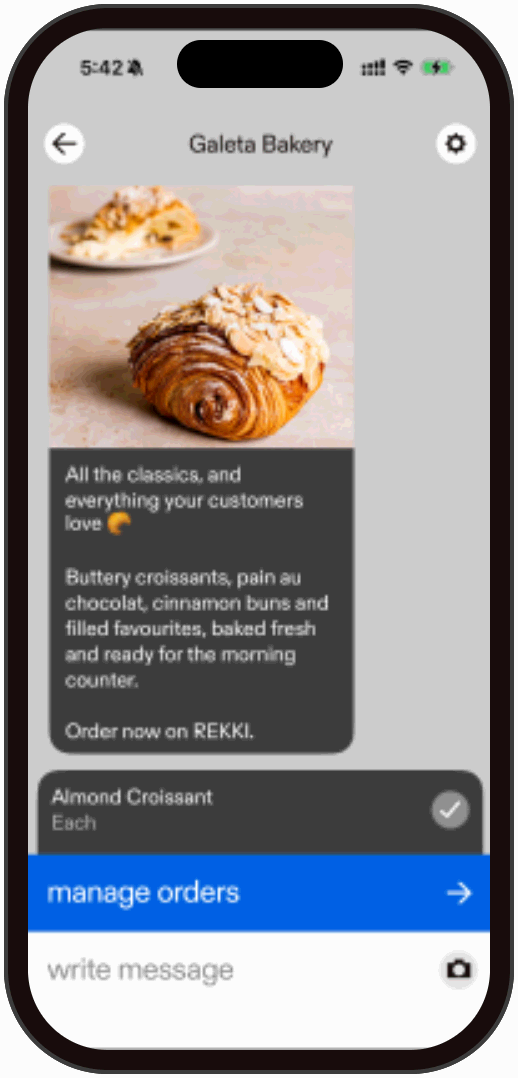
Tap “manage orders” in the Galeta Bakery chat to order in the app. At cut-off the order sends back in the chat.

[ STANDING ORDER UPDATE ]

Tap “manage orders” in the Galeta Bakery chat to order in the app. At cut-off the order sends back in the chat.
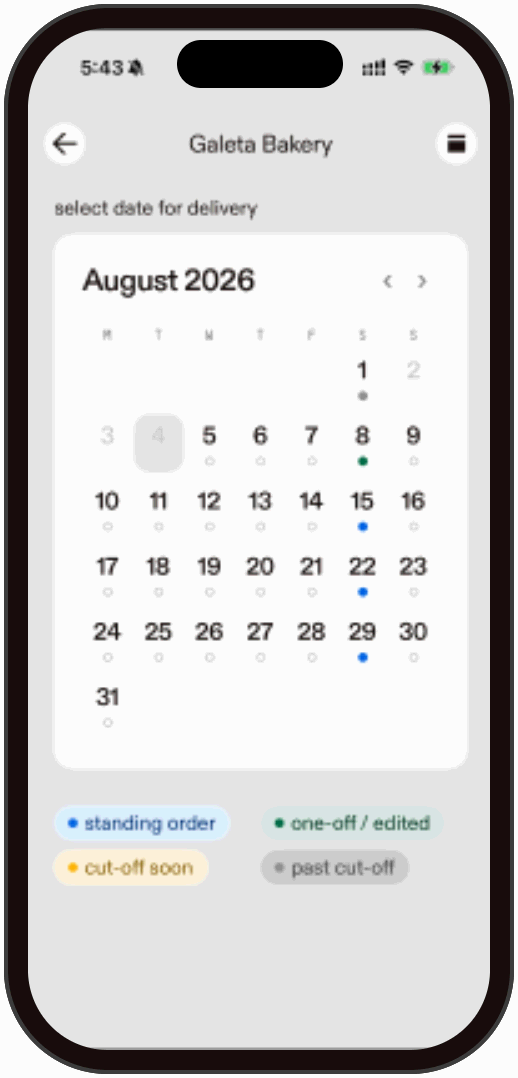
Choose the delivery day before you add anything. The calendar marks standing orders, one-offs you have edited, days close to cut-off, and days you can no longer order for.
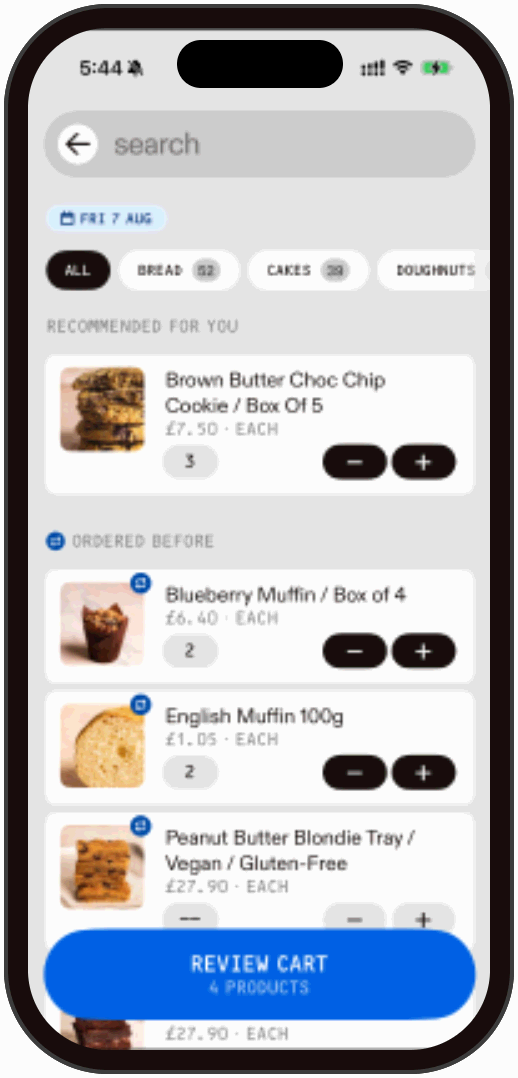
Search the full Galeta Bakery catalogue, or pick straight from “ordered before”. Set quantities with plus and minus, then “review the cart”.
On everything but bread. Bread ferments for 48 hours, so order it two days ahead.
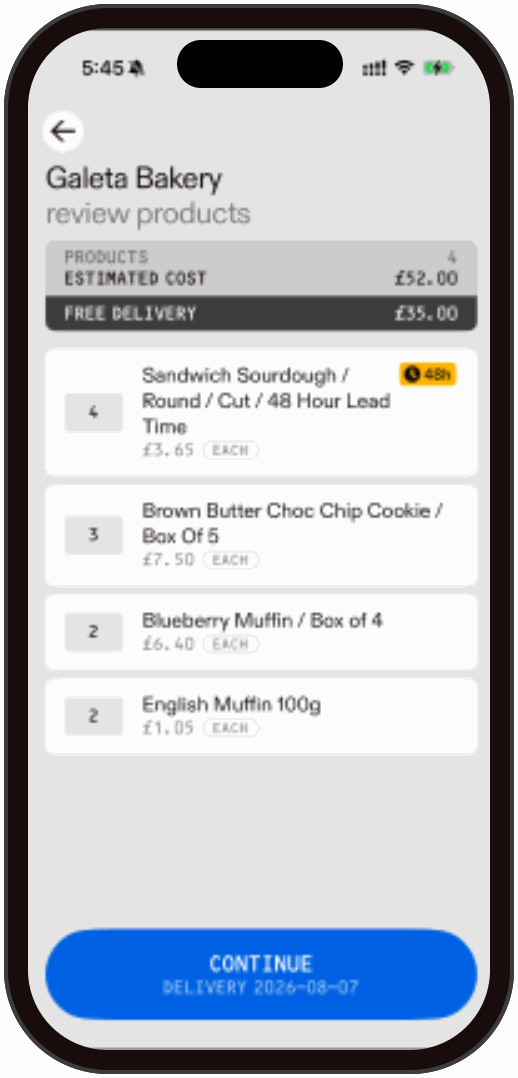
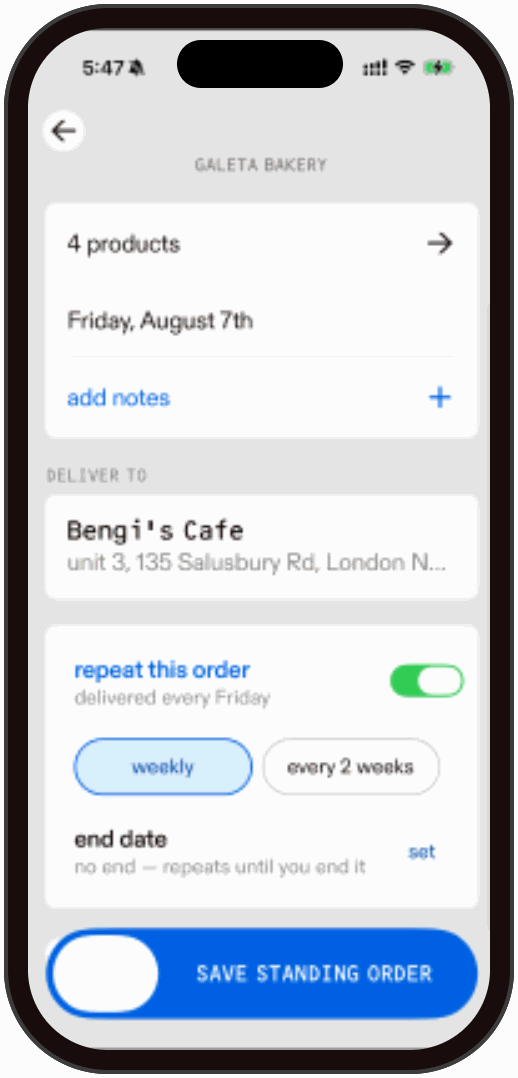
Leave “repeat this order” switched off and it goes out once, for that day only.
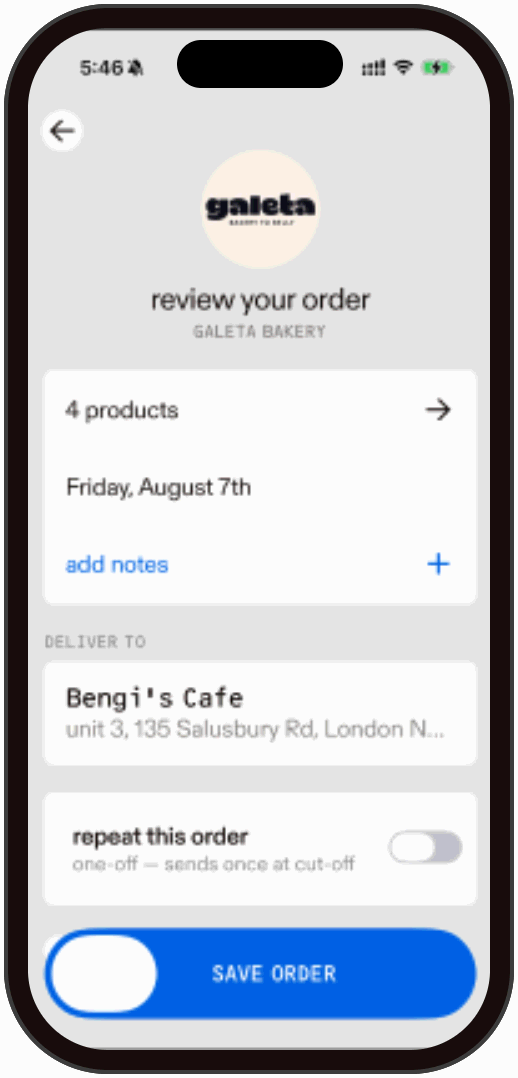
“Repeat this order” sets it going every Friday, weekly or every two weeks, with no end date unless you set one. Each delivery sends at its cut-off and still opens for edits before 2pm.